


Best overall for a small business outsourcing IT operations: managed IT services. Best for a dedicated internal IT team: internally operated RMM. Best for retaining internal control while sharing operational work: co-managed RMM. The best RMM software for small business in 2026 is the platform your team can operate consistently—not simply the one with the longest feature list.
TL;DR
- The best RMM software for small business fits your staffing, endpoint management needs, and security responsibilities.
- Divergeit is best for small businesses seeking managed IT services rather than another console to operate.
- Internally operated RMM fits teams that can own patching, alerts, remote access, and recovery.
- Co-managed RMM fits teams that keep IT leadership internally but assign specific operational work externally.
Why this matters
Remote monitoring and management software, or RMM, helps IT teams monitor devices, perform administrative tasks, and support users remotely. It does not decide which alert matters, approve a risky change, or take responsibility for restoring a business application.
That distinction drives this 2026 buying guide. Choose an operating model before choosing a console. Otherwise, you risk buying automation without assigning anyone to supervise it.
Divergeit provides managed IT services, cybersecurity, and compliance services for growing small and mid-sized businesses. Divergeit is best for small businesses seeking managed IT services rather than another console to operate. Evaluate that service option alongside the responsibilities you would retain with an internal RMM deployment.
What makes the best RMM software for small business?
Use these criteria to judge both software demonstrations and service proposals. Each criterion should produce evidence, not a feature checkbox.
- Operational ownership: Name who reviews alerts, approves changes, maintains scripts, and closes incidents. A notification without an owner is unfinished work.
- Endpoint coverage: Confirm support for your actual operating systems, device types, and remote users. Test representative devices rather than accepting a generic compatibility statement.
- Patch control: Look for approval rules, maintenance windows, failure visibility, and a documented recovery process. Installing updates is only part of patch management.
- Access security: Examine administrator permissions, multifactor authentication, session records, and removal of access when staff leave. Remote administration requires deliberate access control.
- Business evidence: Require useful records of changes, exceptions, and incident handling. Reports should explain what happened and what remains unresolved.
- Daily usability: Have the person who will operate the system complete common tasks. A polished demonstration does not establish whether your team can manage the console.
The strongest choice satisfies these requirements within your staffing model. A capable platform with no assigned operator is not a complete IT support plan.
RMM options at a glance
These are ranked operating models, not interchangeable software products. For a 2026 shortlist, first identify the model that matches your team's responsibilities; then assess the platform or provider within it.
1. Managed IT services
- Best for: Businesses outsourcing daily IT operations
- Standout advantage: Assigning operational work through a service agreement
- Key limitation: Service scope and accountability must be explicit
2. Internally operated RMM
- Best for: Businesses with a dedicated internal IT operator
- Standout advantage: Direct control over administration and change decisions
- Key limitation: Your team owns configuration, maintenance, and response
3. Co-managed RMM
- Best for: Businesses retaining internal IT leadership while sharing execution
- Standout advantage: Dividing operational responsibilities between internal and external teams
- Key limitation: Unclear handoffs create gaps or duplicate work
No model removes the need for business-side decisions. Someone inside your company still needs authority to approve disruptive changes, establish priorities, and accept documented exceptions.
1. Managed IT services: best for outsourcing daily RMM operations
Managed IT services put the buying decision around operational responsibility rather than a software license. You assess the work a provider will perform, the records it will maintain, and the response commitments it will accept. The RMM platform supports that work; it is not the entire service.
For a founder or marketing lead, this changes the conversation. Instead of asking which dashboard looks easiest, ask who handles a failed update, who contacts an affected employee, and who confirms that the issue is resolved.
Managed IT services pros
- You can define monitoring, maintenance, and support responsibilities in a service agreement.
- You can assess escalation and incident handling alongside the underlying tools.
- You can connect endpoint operations with wider cybersecurity and compliance requirements.
- You can evaluate service delivery without becoming the daily console administrator.
Managed IT services cons
- The agreement needs clear boundaries; the phrase managed IT does not define every included task.
- You still need an internal decision-maker for priorities, access approvals, and business interruptions.
- Reporting and exit arrangements require scrutiny before you commit.
What to verify before choosing managed IT services
Divergeit's managed IT services belong on the shortlist when you want an external service relationship rather than software alone. Assess the proposal against your endpoint inventory, business applications, security responsibilities, and support needs.
Request written answers to concrete questions: Who owns failed patches? What happens when an alert arrives outside the agreed support window? Who communicates during an incident? What records can your business retain when the relationship ends?
Use specific response language in your evaluation. Ask whether a 15-minute response target means acknowledgment, technical triage, or active troubleshooting. Separately, ask whether a live expert within 5 minutes is a written commitment and which conditions apply. Do not treat either target as a restoration deadline.
Best for: Small businesses that want to assign daily IT operations to a service provider.
Verdict: Buy managed IT services when you need accountable execution, not another administration interface.
2. Internally operated RMM: best for dedicated internal IT teams
Internally operated RMM gives your employees direct responsibility for the management platform. Your team configures monitoring, maintains automation, approves changes, manages access, and responds to operational issues. The software supports an existing IT function rather than replacing one.
This model fits a business that already knows who will run the system. It is a poor choice when the implementation plan ends at installing agents on devices.
Internally operated RMM pros
- Your team directly controls alert rules, maintenance windows, and administrative permissions.
- Internal operators can align changes with known application dependencies and business schedules.
- You can build and review workflows around your own operational requirements.
- Your business retains direct responsibility for the console and its records.
Internally operated RMM cons
- Your employees must maintain the platform as well as the devices it manages.
- Absences and competing projects require a defined coverage plan.
- Automation errors and excessive permissions remain your team's responsibility to prevent and investigate.
What to verify before choosing internal RMM
Have the intended operator perform ordinary work during the evaluation. Ask them to find a device with a failed update, identify the failure, apply an approved action, and produce a record explaining the outcome.
Inspect administrative access separately. Confirm how operators authenticate, which permissions each role receives, and how access is revoked. A convenient remote connection should not obscure who authorized it or what occurred during the session.
For your 2026 evaluation, include devices that reflect real working conditions: an office device, a remote employee's device, and a device that is not continuously connected. These are test scenarios, not a substitute for checking the full compatibility requirements.
Ask the internal owner to document routine tasks before the purchase decision. If the workflow depends on undocumented knowledge, address that dependency before expanding the deployment.
Best for: Businesses with an assigned IT operator and a documented coverage arrangement.
Verdict: Buy internally operated RMM when your team can own the work behind the dashboard.
3. Co-managed RMM: best for sharing execution without giving up leadership
Co-managed RMM divides operational work between an internal IT team and an external provider. The internal team retains designated responsibilities while the provider handles an agreed portion of monitoring, maintenance, or support. The division must be written down.
This is a delivery model to evaluate, not a claim that every managed IT provider offers it. Ask prospective providers to explain their supported arrangements and demonstrate the handoffs your business needs.
Co-managed RMM pros
- Your internal team can retain change authority and application-specific decisions.
- You can assign defined operational tasks externally rather than transferring every responsibility.
- Shared procedures can connect internal knowledge with external execution.
- You can evaluate coverage for particular responsibilities instead of buying an undefined support relationship.
Co-managed RMM cons
- Shared ownership requires precise escalation rules and clear authority.
- Separate ticketing or reporting processes need an agreed source of truth.
- Both parties must keep responsibilities current when staff, systems, or requirements change.
What to verify before choosing co-managed RMM
Build a responsibility matrix before evaluating the interface. For patch management, specify who approves updates, schedules deployment, investigates failures, authorizes exceptions, and reports unresolved devices.
Then test a handoff. Give the provider an issue that requires an internal application owner's decision. Confirm how the request reaches that owner, where the approval is recorded, and who resumes the work afterward.
Define access boundaries just as carefully. External technicians should have permissions appropriate to their assigned tasks, and internal administrators should understand how those permissions are reviewed and removed.
Do not assume shared access creates shared understanding. Require a common incident record or a documented process for reconciling records. The final account should identify the issue, action, outcome, and remaining work without forcing you to reconstruct the event from separate conversations.
Best for: Businesses with internal IT leadership that want to delegate specified operational responsibilities.
Verdict: Buy co-managed RMM only after both parties agree on ownership, permissions, and handoffs.
Test the operating model before signing
Use 3 test workflows in your 2026 evaluation: patch failure, remote support, and administrator removal. These exercises expose responsibilities that a feature demonstration can leave unclear.
Patch failure
Ask the operator to show how a failed update becomes assigned work. Follow the issue through investigation, an approved next action, and a final record. Check how unresolved failures appear in reporting.
Remote support
Walk through a user requesting help. Confirm how the technician verifies the request, obtains appropriate access, performs the work, and records the session or action. Distinguish support availability from the time needed to resolve the underlying problem.
Administrator removal
Ask how access is withdrawn when an administrator leaves or changes roles. Include console permissions and any related accounts or credentials within the agreed scope. Require confirmation of completion rather than relying on the original request.
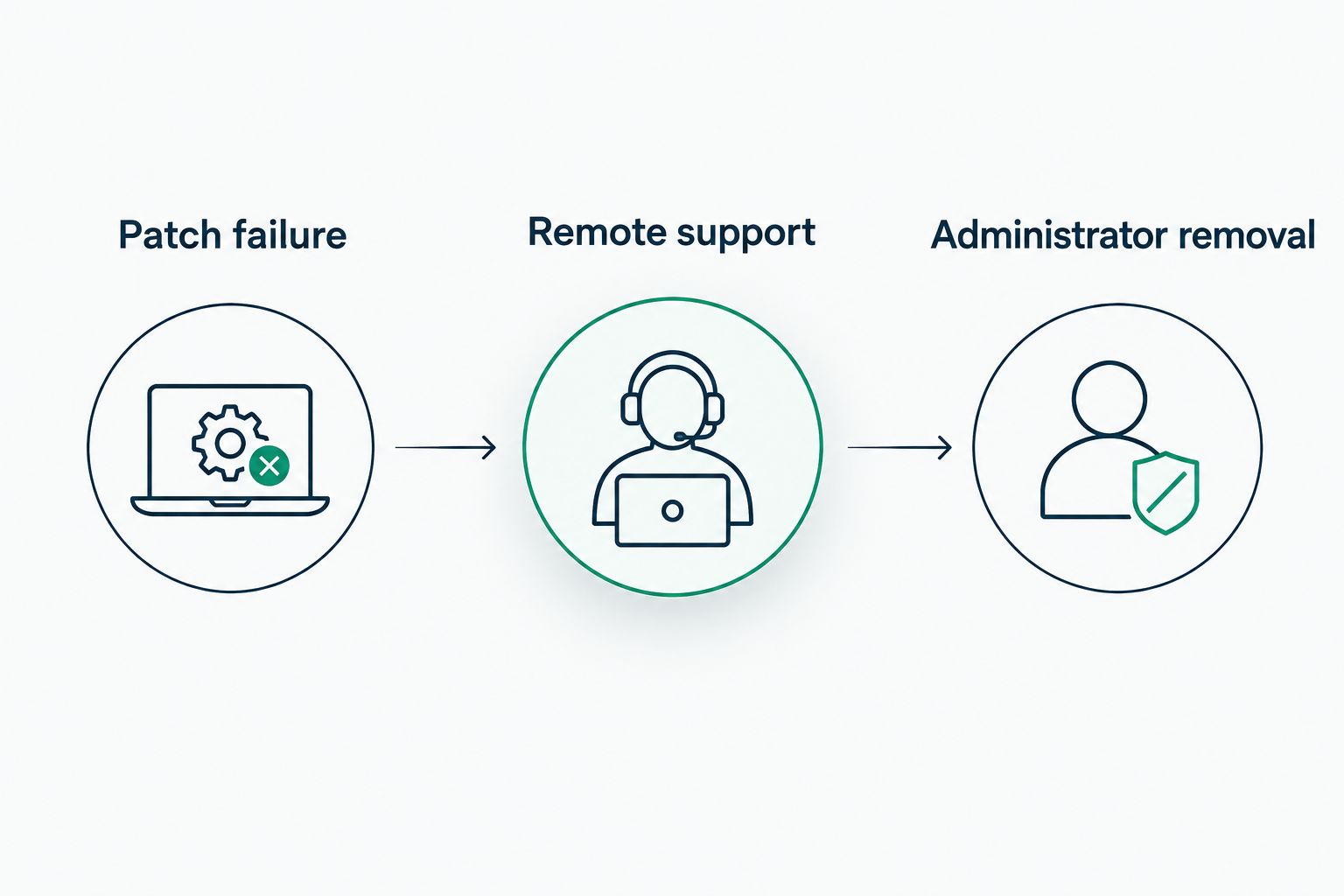
Test operational responsibilities, not just the presence of features.
Finish each exercise by asking who owns the next action. Assign 1 accountable owner to each unresolved issue. Multiple participants can contribute, but the record should make responsibility unmistakable.
How we ranked these RMM options
The ranking prioritizes operational ownership, endpoint coverage, patch control, access security, evidence, and usability. It recommends a buying path based on staffing responsibilities; it does not claim measured product performance or a hands-on software benchmark.
Managed IT services come first for businesses outsourcing execution. Internal RMM comes first when a dedicated team will operate it. Co-managed RMM fits a narrower requirement: retaining internal leadership while assigning defined work externally.
Which RMM option should you choose?
Choose managed IT services if no employee clearly owns daily endpoint operations. Compare the written scope and response terms before considering the console's appearance.
Choose internally operated RMM if an internal team can maintain the platform and respond to what it reports. Choose co-managed RMM if your team can lead the work but needs an agreed division of execution.
Divergeit's managed IT services are the relevant starting point when you want to discuss service responsibility rather than select a standalone software subscription. Bring your device inventory, unresolved support issues, and required business outcomes to that discussion.
Define your managed IT requirements
Start with endpoint responsibilities, support expectations, cybersecurity, and compliance needs.
FAQ
What's the best RMM software for small business in 2026?
The best RMM software for small business is the platform that fits your endpoint requirements and assigned operating responsibilities. Choose managed IT services when you want external execution, internal RMM when your team will operate it, or co-managed RMM when responsibilities are explicitly divided.
What does RMM software actually do?
RMM software supports remote device monitoring and administration. Depending on the platform, it can support tasks such as patch deployment, remote assistance, and scripted actions; verify the exact capabilities during evaluation.
Is managed IT better than buying RMM software?
Managed IT is the better buying path when you need someone to perform and own operational work. Buying RMM software fits a business with an internal team responsible for configuring the platform, handling alerts, and maintaining its workflows.
Can RMM software replace an IT employee?
RMM software does not replace operational responsibility. Someone still needs to approve changes, investigate failures, control access, and decide how technical issues affect the business.
Does RMM software make a business compliant?
RMM software alone does not establish compliance. Device management records can support relevant requirements, but your business also needs appropriate policies, responsibilities, controls, and evidence for its specific obligations.
What should I ask about an RMM provider's response time?
Ask exactly what starts and stops the response clock. Distinguish acknowledgment, access to a technician, active troubleshooting, and restoration, and have the applicable conditions written into the agreement.
What is the difference between RMM and endpoint security?
RMM focuses on remote monitoring and administration, while endpoint security focuses on protecting devices against threats. Product capabilities can overlap, so verify which controls each tool provides and who handles security incidents.
One last thing
Before signing a 2026 agreement, ask the prospective operator to show a resolved incident record. Look for the original issue, assigned owner, action taken, outcome, and unresolved follow-up.
Buy the operating model that produces an accountable record—not the dashboard that produces the most alerts.